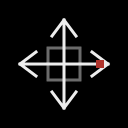
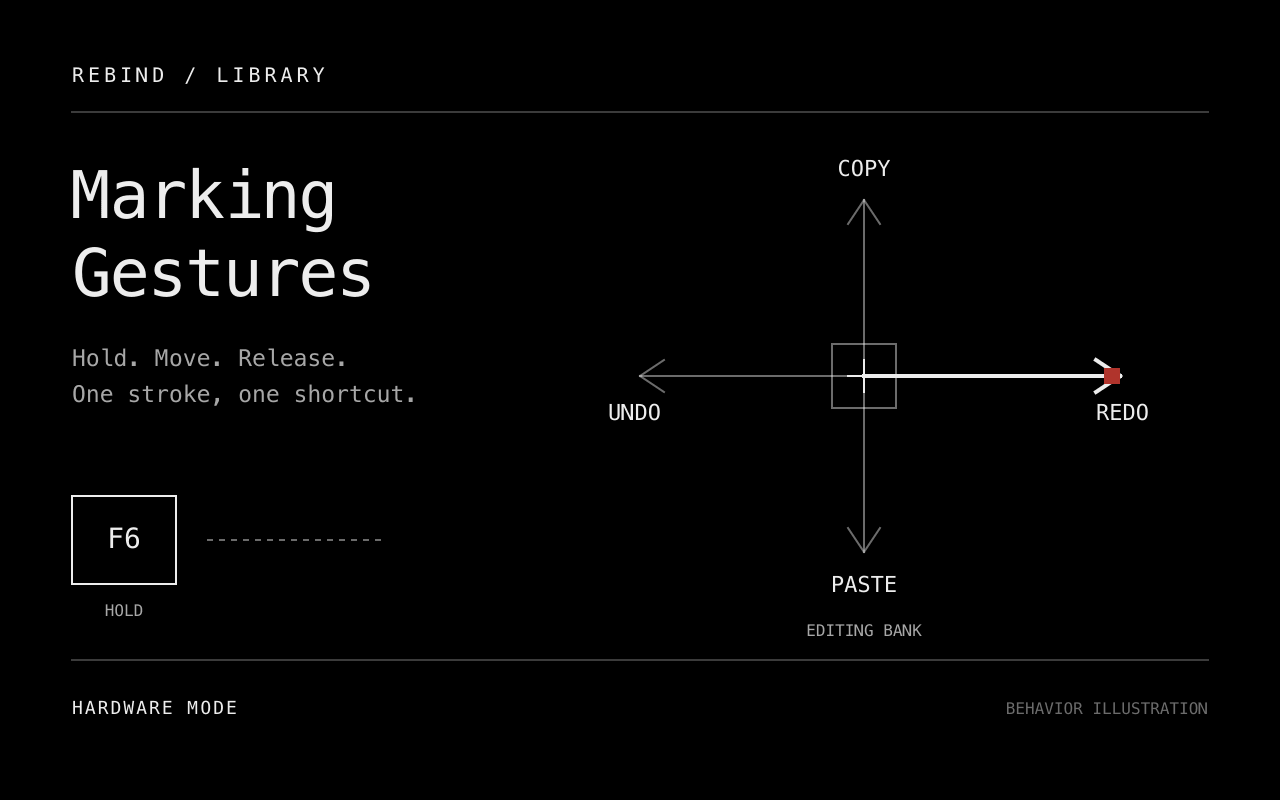
Hold a key, move in one of four directions and release to invoke a shortcut. Small strokes and ambiguous diagonals cancel without sending a command.
Setup and controls
This package targets Windows and macOS hardware mode with Rebind Link. Forward the mouse and control keyboard into hardware capture. See platform support for setup requirements. Use one physical-movement transform at a time; this package does not chain with Motion Layers or Mouse Accelerator.
| Default key | Action |
|---|---|
| Hold F6 | Start a gesture and suppress its mouse movement. |
| Release F6 | Evaluate the stroke and emit at most one shortcut. |
| Escape during a gesture | Cancel. The later F6 release emits nothing. |
| 1 / 2 / 3 during a gesture | Select Editing / Browsing / Media for this gesture. |
Configure distinct control keys in settings, then restart the script. Supported controls are letters, digits, F1 to F12, Space, Escape, CapsLock or Menu. The Initial bank setting selects the bank for each new gesture; bank keys change only the current gesture.
Command banks
| Direction | Editing | Browsing | Media |
|---|---|---|---|
| Left | Undo | Back | Previous track |
| Right | Redo | Forward | Next track |
| Up | Copy | Previous tab | Volume up |
| Down | Paste | Next tab | Volume down |
Editing uses Ctrl on Windows and Cmd on macOS. Redo uses Ctrl+Y on Windows and Cmd+Shift+Z on macOS. Browser history uses Alt+Left/Right on Windows and Cmd+[/] on macOS. Tab switching uses Ctrl+Shift+Tab and Ctrl+Tab. Media commands emit the corresponding media keys. The receiving application must support these shortcuts; the script does not detect application capabilities.
Stroke recognition
The script sums relative movement over the stroke. The dominant axis must reach Minimum stroke and exceed the other axis by Required axis dominance. Defaults are 40 counts and 1.5 times. Their configurable ranges are 5 to 1000 counts and 1.1 to 3 times. Both values are captured at gesture start.
Returning to the starting displacement cancels a stroke. This is net-direction recognition, not drawn-shape recognition. Counts are captured input units, not screen pixels, so mouse DPI affects the required hand travel.
Ordinary motion passes through when no gesture is active. Cancellation resumes ordinary motion; it never replays the suppressed stroke. Scroll and mouse buttons are not remapped. A held mouse button or Ctrl, Alt, Shift or Cmd/Win modifier prevents starting a gesture. Observing one during a gesture cancels it, and release checks them again before sending a shortcut.
The gesture also cancels on script deactivation, stop, invalid settings, excessive accumulated motion, or a detected change in foreground process/title. Foreground information is sampled by the relay, not captured atomically with input. A release missed by the binding cancels rather than commits when a tick next observes the layer key as released.
Development status
Source prepared. Package check and lint pass. Mock-runtime tests cover direction selection, release-to-commit, command banks, repeated presses, cancellation and settings validation. Cover and icon exports and the local listing preview have been visually inspected. The art illustrates behavior; it is not a screenshot or execution evidence.
Native Windows/macOS capture, hardware loss and the rendered settings panel remain unverified. Listing-preview inspection does not verify them.
rebind check library/marking-gestures
rebind lint library/marking-gestures
stylua --check library/marking-gestures
cargo test -p gp-lua-sdk --features audio --test integration
See the library workflow for deliberate runtime testing and publication.