Move, steer, click and drag the pointer from a keyboard layer. The layer starts off so keys type normally until you activate it.
Controls
| Default key | Action while the layer is on |
|---|---|
| F8 | Toggle the pointer layer. Also activates it while off. |
| H / J / K / L | Move left / down / up / right. |
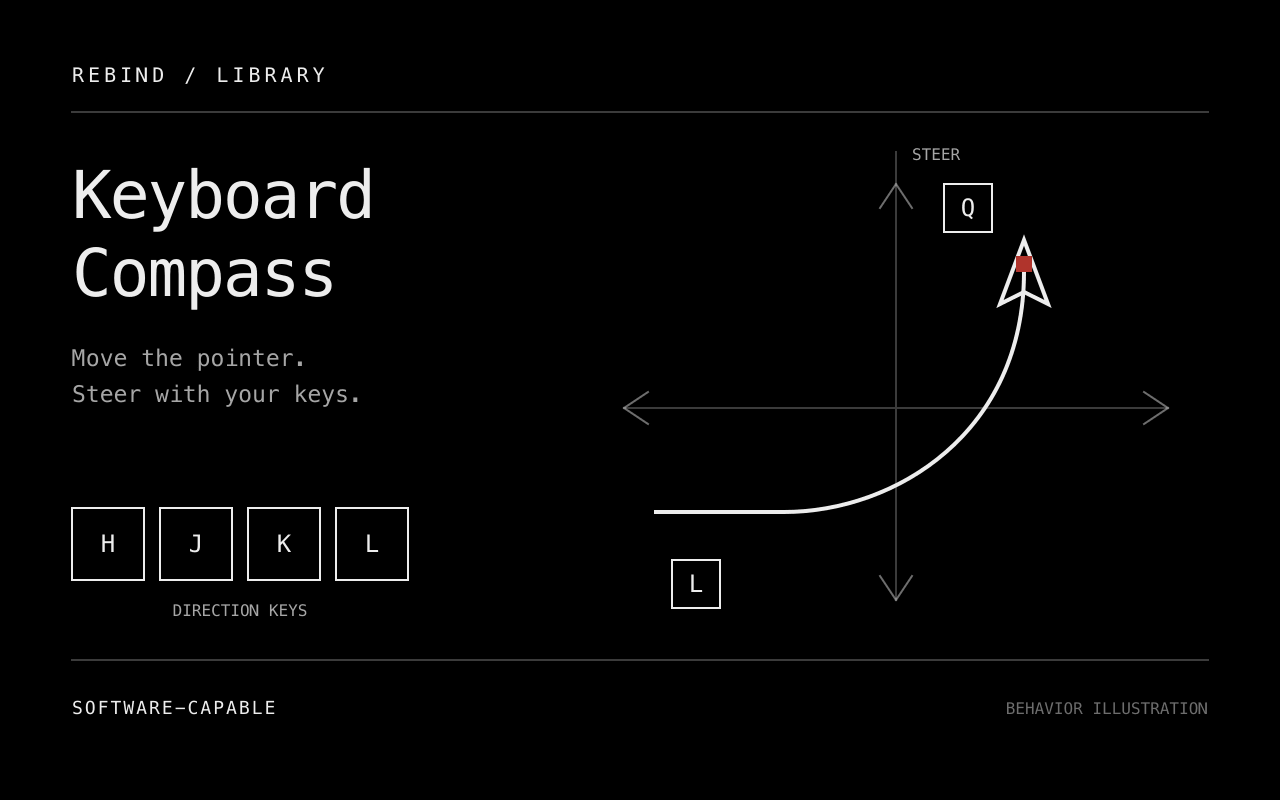
| Q / E | Steer counterclockwise / clockwise while moving. |
| 1 / 2 / 3 | Select fine / normal / fast speed. |
| Space | Left click. If dragging, release the drag instead. |
| D | Start or release a left-button drag. |
| Escape | Release any owned drag and exit the layer. |
All keys are configurable in the settings panel. Use distinct letters, digits, F1 to F12, Space, Escape, CapsLock or Menu. Restart the script after changing keys. Movement and steering settings apply while running.
Opposing directions cancel. Diagonal movement has the same speed as movement along one axis. Hold a direction and Q or E to trace an arc. Releasing the steering key preserves the heading; releasing all movement directions resets it when the next tick observes no direction. Changing a direction changes the input vector within that rotated frame.
Speeds default to 100, 500 and 1200 relative counts per second, with a range of 10 to 3000. Steering defaults to 90 degrees per second, with a range of 15 to 360. Output keeps fractional remainders while moving. After a delayed tick, at most 50 ms of movement is emitted to avoid a large catch-up jump.
Ctrl, Alt, Shift and Cmd/Win shortcuts pass through when starting a control press, except the configured exit key, which still exits and is consumed while the layer is active. If one of those modifiers is held while the layer runs, the next tick exits the layer and releases its drag. A click or new drag is ignored while the physical left button is held. Stopping or deactivating the script releases its owned drag. Repeated key-down events do not toggle controls repeatedly.
Requirements and limits
The package targets Windows, macOS and Linux and can use software output without Rebind Link. See platform support for capture permissions and differences.
Physical mouse movement remains active and combines with generated movement. Relative counts are not guaranteed screen pixels; OS and application behavior affect the visible path. This script owns only the left-button holds it creates. Avoid simultaneous scripts that hold the same button or consume its control keys.
Invalid speed or steering settings stop the layer and release its drag. Correct them before activating it again. Invalid or duplicate control keys prevent startup.
Development status
Source prepared. Package check and lint pass. Mock-runtime tests cover movement, steering, timing, opposing keys, fractional output, dragging and cancellation. Cover and icon exports and the local listing preview have been visually inspected. The art illustrates behavior; it is not a screenshot or execution evidence.
Native behavior and the rendered settings panel remain unverified on every target platform. Listing-preview inspection does not verify either.
rebind check library/keyboard-compass
rebind lint library/keyboard-compass
stylua --check library/keyboard-compass
cargo test -p gp-lua-sdk --features audio --test integration
See the library workflow for deliberate runtime testing and publication.