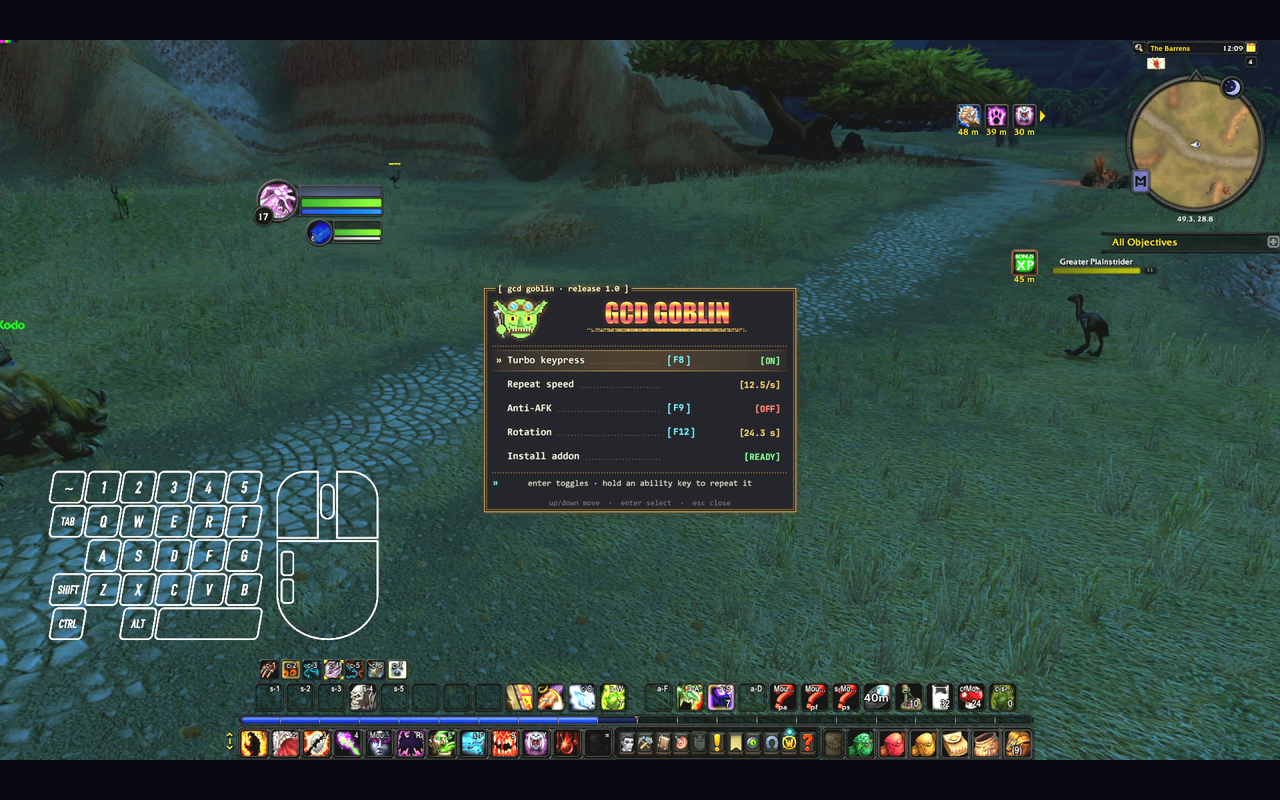
A free World of Warcraft package for Rebind, the Windows input-automation app (Rebind must be installed and running). Works with WoW Forever and WoW Classic.
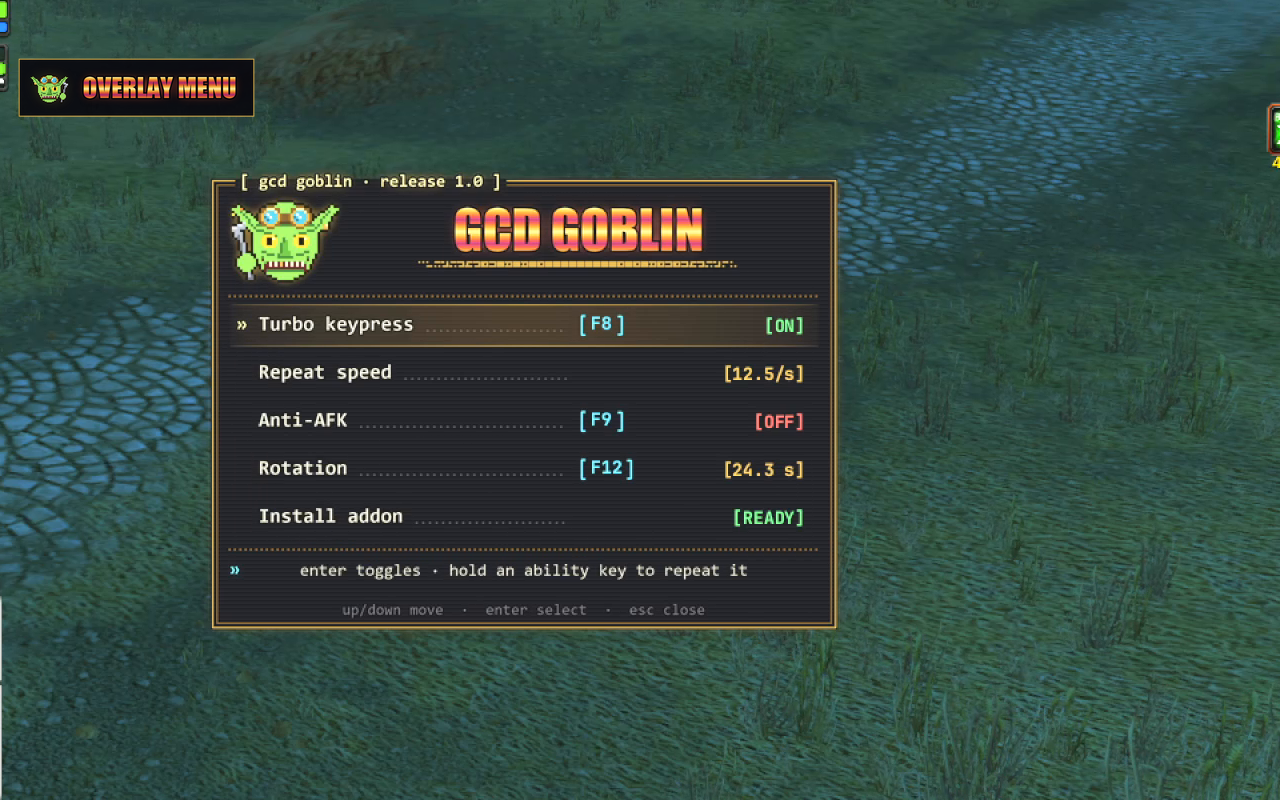
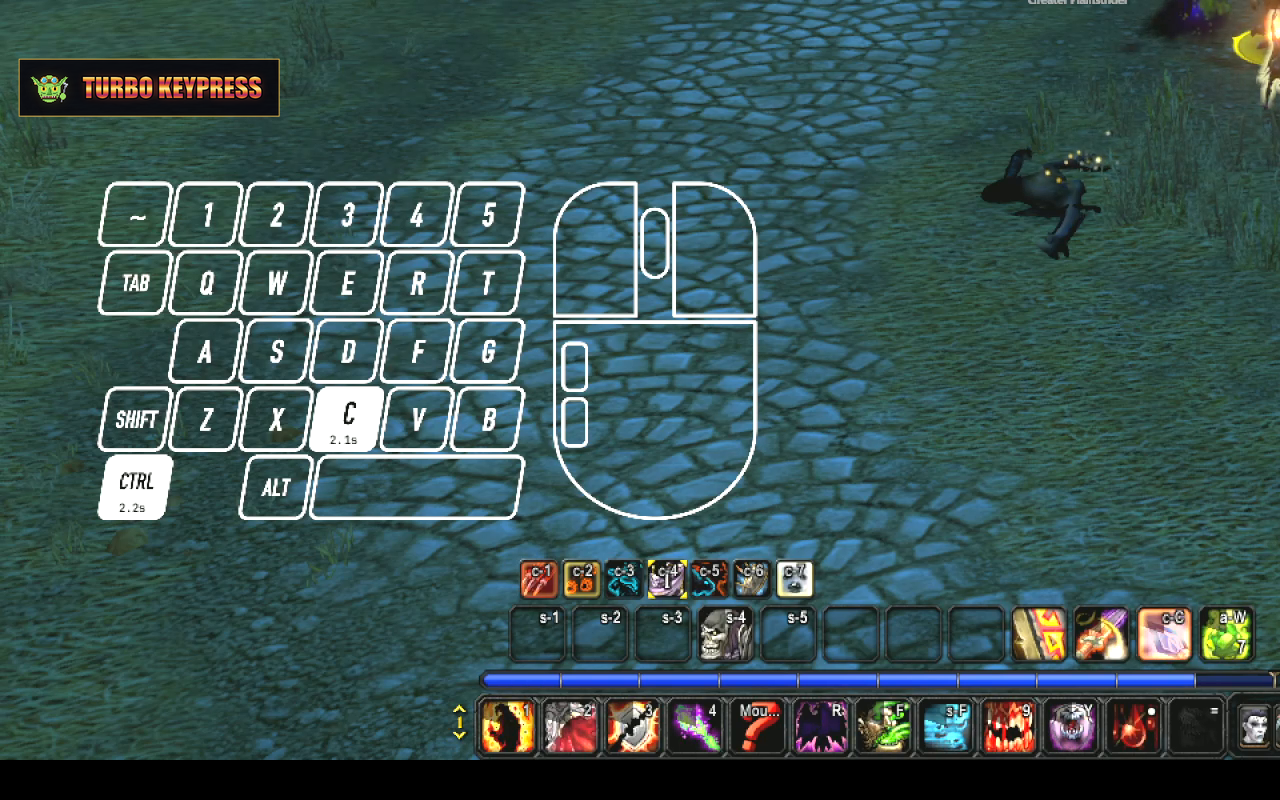
- Turbo keypress: hold an ability key and it auto spams it for you, like the turbo button on a gamepad, so every global cooldown fires the moment it is ready, with far less strain on your wrists and arms. Tap it for a single press.
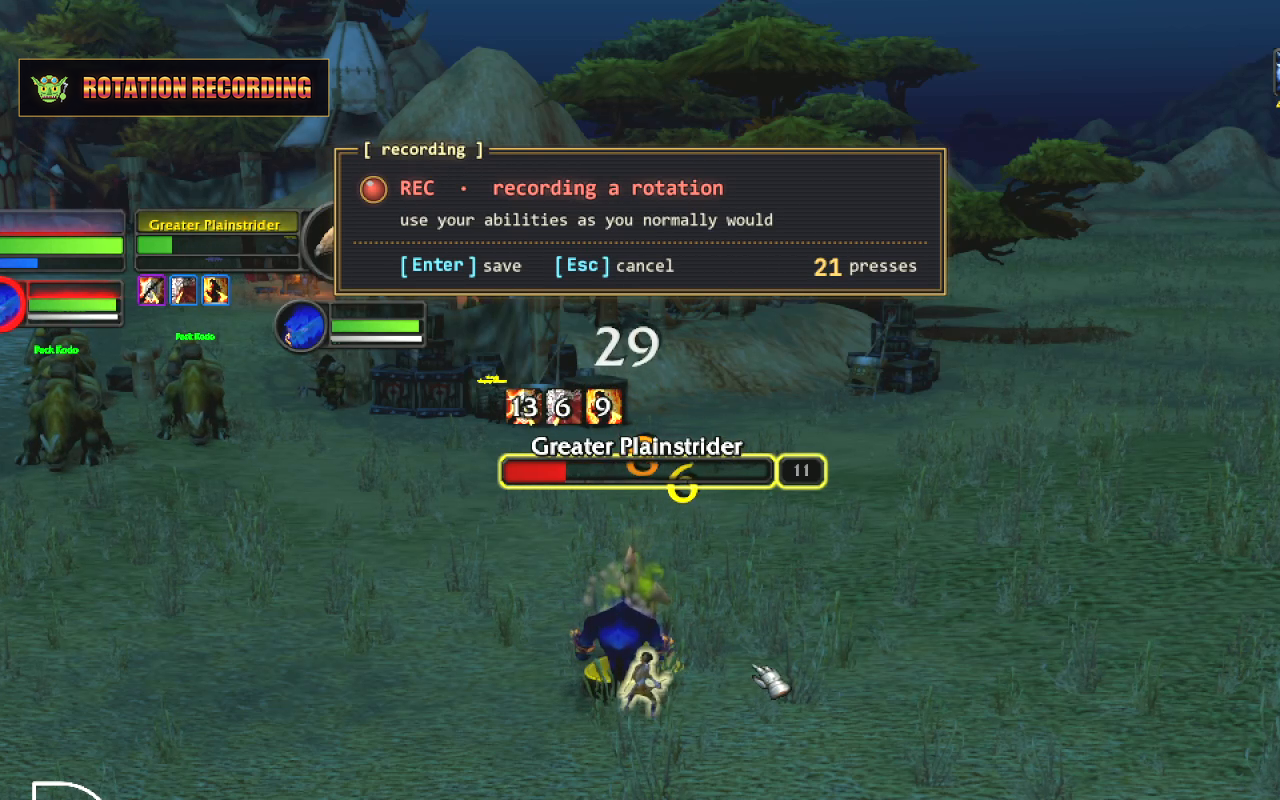
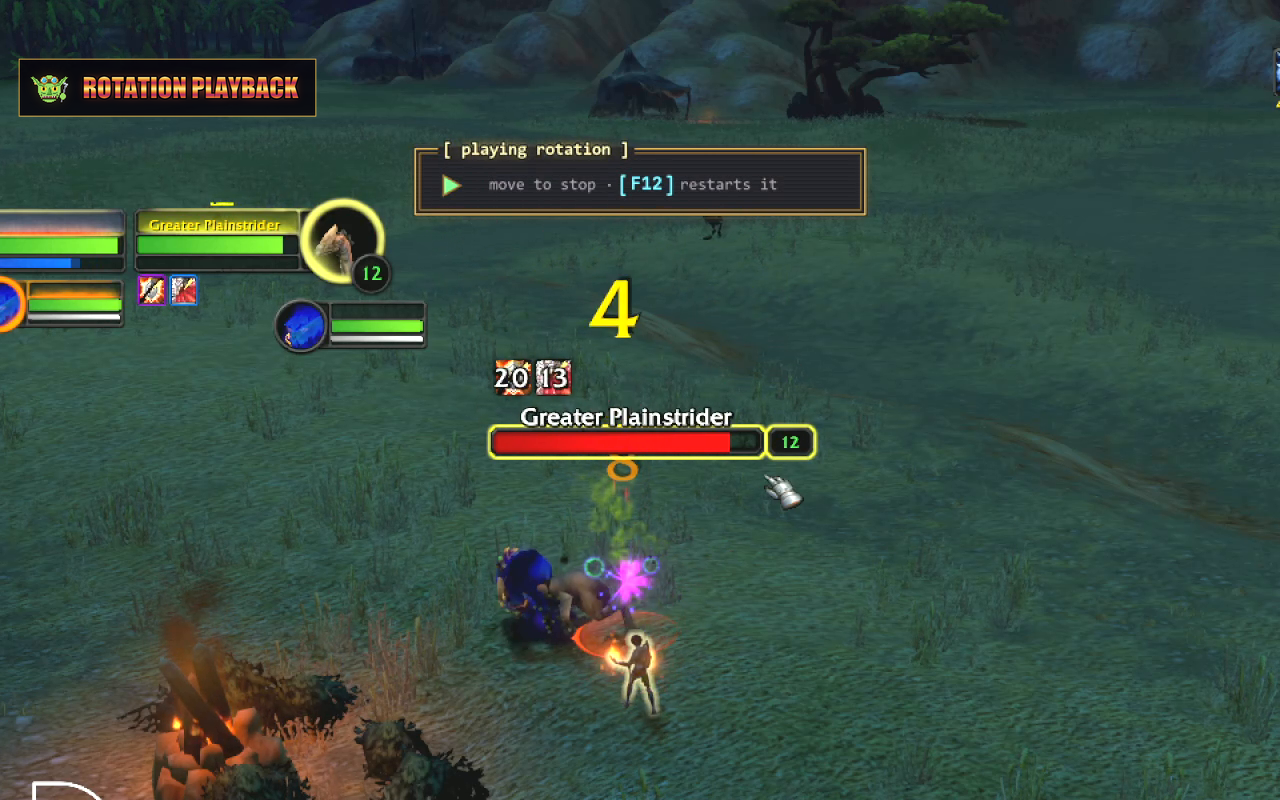
- Rotation recording and playback: record a sequence of abilities by playing it, then tap F12 to replay it once, like a one-key macro. Moving stops it.
- Anti-AFK: presses a spare key after 3 idle minutes so you are not logged out. Off until you turn it on.
- Chat-aware: turbo pauses while you type, using the small PixelState addon that comes with it.
Everything runs from one in-game menu on F10, shown only over the WoW window.
Play fair
Blizzard allows one action per key press. Turbo keypress and rotations send more than one, and anti-AFK presses keys while you are away, so all three can put your account at risk. Use them at your own risk.
Getting started
- Install GCD Goblin from the Rebind marketplace and focus the game.
- Press F10, select Install addon, press Enter, then type
/reloadin game. The row reads [READY] once PixelState is working. - Hold an ability key to try turbo. To record a rotation, select Rotation in the menu, play as usual, and press Enter to save.
In the menu, Up and Down move, Enter selects, Left and Right change the repeat speed, and Esc or F10 closes it.
Keys
| Key | Does |
|---|---|
F10 | Opens and closes the menu |
F8 | Turns turbo keypress on or off |
F9 | Turns anti-AFK on or off |
F12 | Plays the saved rotation; pressed again, starts it over |
Left Ctrl + Left Alt + K | Stops every Rebind script and releases all held keys |
Keys, repeat speed, which keys repeat and the anti-AFK timer can all be changed in the package's Options tab in Rebind. Pick keys with no action in your WoW key bindings.
Troubleshooting
- Install addon says [MISSING]: type
/reload, tick PixelState (and Load out of date AddOns) on the AddOns screen at character select, and keep the top-left corner of the game uncovered. - A key also does something in game: it is bound in your WoW key bindings; pick another key in Options.