A live controller tester for Rebind.
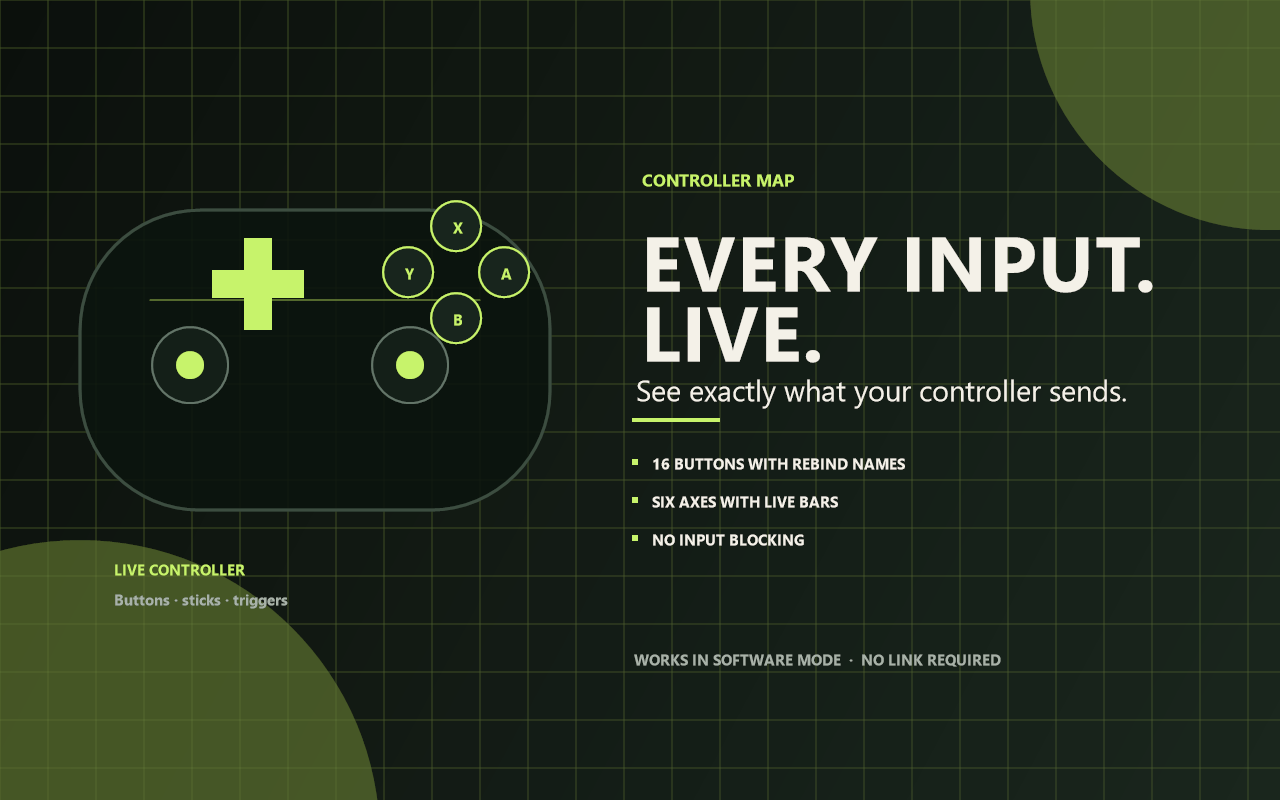
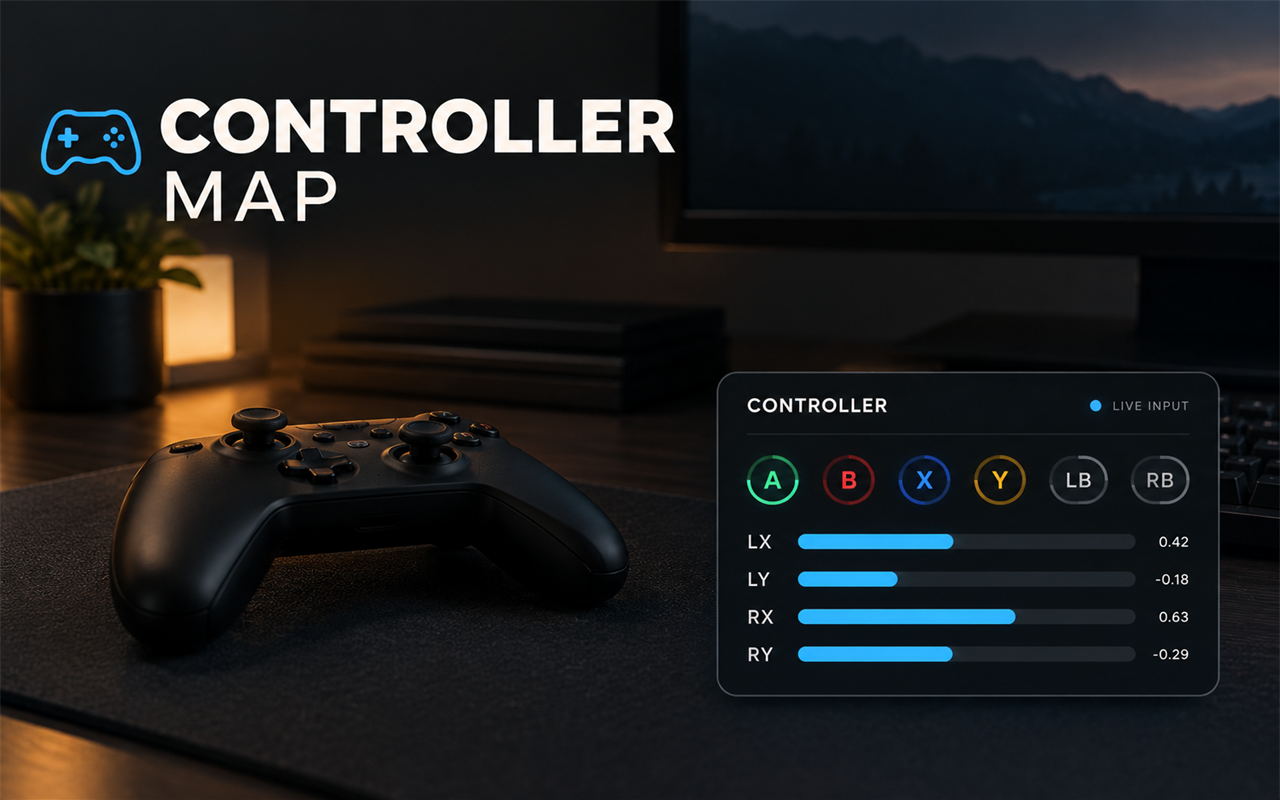
Controller Map shows every controller button and axis Rebind receives, using the same names scripts use. It is useful for checking a controller, verifying a Rebind Link setup, or learning which input maps to which name.
What it does
- Detects a connected gamepad or joystick.
- Shows pressed buttons as highlighted keycaps.
- Shows the raw Rebind name beside each button.
- Shows live stick and trigger axes with values and bars.
- Updates continuously without taking focus.
- Can be shown or hidden with one hotkey.
- No input blocking, no recording, no network.
Quick start
- Install and start Controller Map.
- Connect a controller through Rebind Link in hardware mode.
- Press Ctrl+Alt+G to show the HUD.
- Press buttons and move the sticks to test them.
- Press Ctrl+Alt+G again to hide it.
Controls
| Key | Action |
|---|---|
| Ctrl+Alt+G | Show or hide the controller map. |
The hotkey is configurable.
Settings
- Show on start
- Show buttons
- Show axes
- Position — top-left, top-right, bottom-left, or bottom-right.
Button names
| Control | Rebind name |
|---|---|
| Face buttons | PadA, PadB, PadX, PadY |
| Bumpers | PadLB, PadRB |
| Triggers pressed | PadLT, PadRT |
| View / Menu | PadView, PadMenu |
| Stick clicks | PadLS, PadRS |
| D-pad | PadUp, PadDown, PadLeft, PadRight |
| Paddles | PadP1 to PadP4 |
Buttons are named by position, using Xbox letters, so PadA is the bottom
face button on any controller.
Axis names
| Axis | Range |
|---|---|
LeftX, LeftY | -1 to 1; up and left are negative |
RightX, RightY | -1 to 1 |
LT, RT | 0 to 1 |
Limits
- Controllers are captured only in hardware mode.
- Rebind Link's joypad is a standard HID gamepad, not an Xbox controller. Games that read only XInput may not see it.
- Rumble, motion sensors, and touch position are not shown.
- Several controllers share one Rebind joypad; this displays the combined state.
- The overlay is click-through and cannot be clicked.
- Rebind overlays do not appear over exclusive-fullscreen games.
Privacy
Controller Map only reads the live controller state Rebind exposes. It does not capture the screen, read the clipboard, use the network, or store input history.
Requirements
- Rebind 3.12.0 or newer
- Rebind Link with a USB profile that includes a joypad
- A desktop where Rebind overlays are supported
Controller Map v1.0.0 — see what the controller is actually sending.