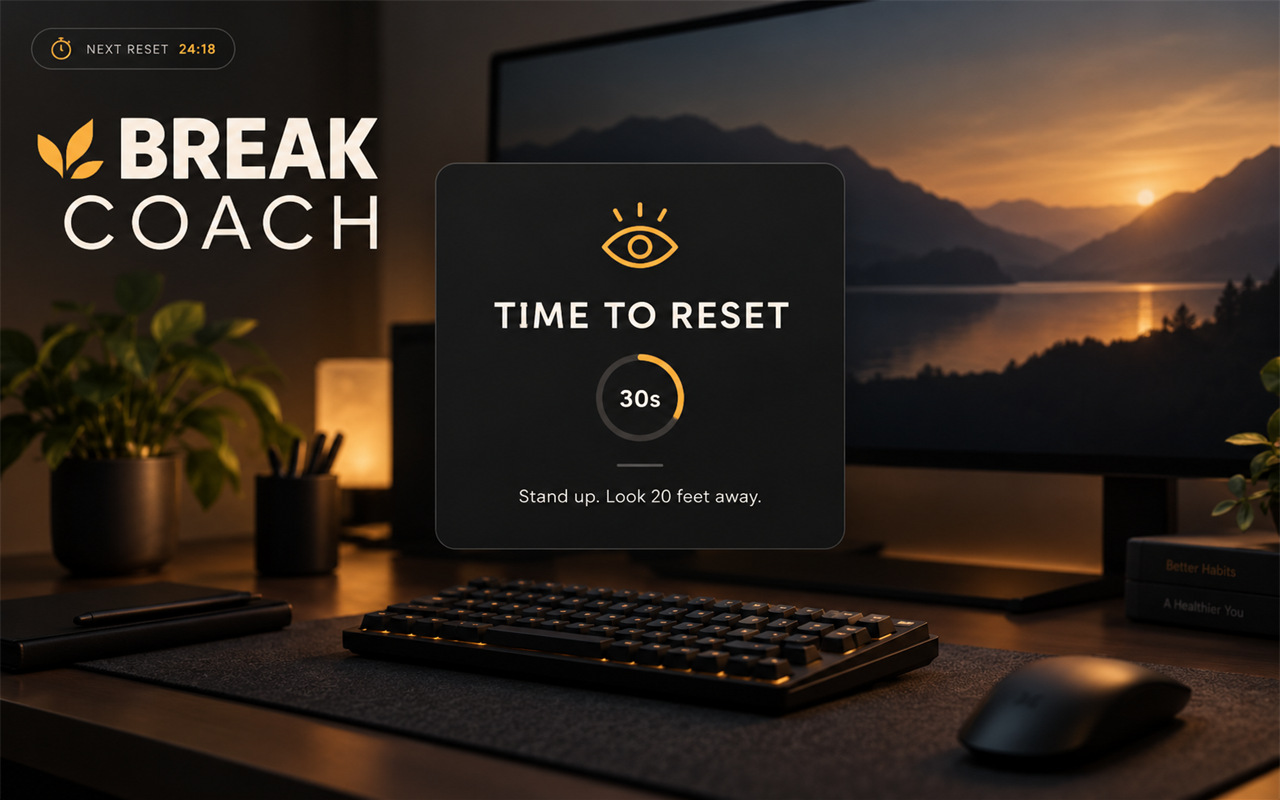
Break Coach
A calm reminder to stand up, look away, and reset your posture.
Break Coach runs a simple cycle: focus for a set time, then show a short, unmissable break overlay. It is designed for long desktop sessions, studying, coding, editing, or gaming.
What it does
- Reminds you every 5–120 minutes.
- Shows a centered TIME TO RESET overlay for 10–180 seconds.
- Rotates short instructions: stand up, look 20 feet away, drop your shoulders, or take a walk.
- Plays a soft chime when the break begins.
- Keeps a small countdown HUD in the corner.
- Supports pause/resume and a five-minute snooze.
- No account, no network, no screen reading.
Quick start
- Install and start Break Coach.
- The countdown HUD appears in the top-left corner.
- Work until the break overlay appears.
- Stand up or look away until the countdown ends.
- Press Ctrl+Alt+B to pause or resume at any time.
Controls
| Key | Action |
|---|---|
| Ctrl+Alt+B | Pause or resume the reminder. |
| Ctrl+Alt+Shift+B | Snooze for five minutes. |
Both hotkeys can be changed in Rebind → Options → Break Coach.
Settings
- Remind every — 5 to 120 minutes.
- Break length — 10 to 180 seconds.
- Play a chime — turn the break sound on or off.
- Show countdown — show or hide the corner HUD.
- Countdown position — top-left, top-right, bottom-left, or bottom-right.
- Pause/resume key
- Snooze key
How it works
The timer is local to the running script. Pausing stores the remaining time; resuming continues from there. Snoozing schedules the next break five minutes from now. The timer resets when the script restarts.
The break overlay is drawn by Rebind and is click-through: it does not take focus or block the app underneath.
Limits
- It cannot detect whether you actually stood up.
- It does not monitor your posture or camera.
- It does not pause automatically when your computer sleeps.
- The timer resets on script reload.
- Rebind overlays need borderless/windowed mode in fullscreen games.
- Exclusive-fullscreen games hide the overlay.
Privacy
Break Coach does not capture the screen, read the clipboard, use the network, run external programs, or collect data. Rebind's overlay engine may ask for overlay-related permissions during installation.
Requirements
- Rebind 3.9.0 or newer
- A desktop where Rebind overlays are supported
Break Coach v1.0.0 — a small rhythm for long sessions.