A tiny daily water counter that stays out of your way.
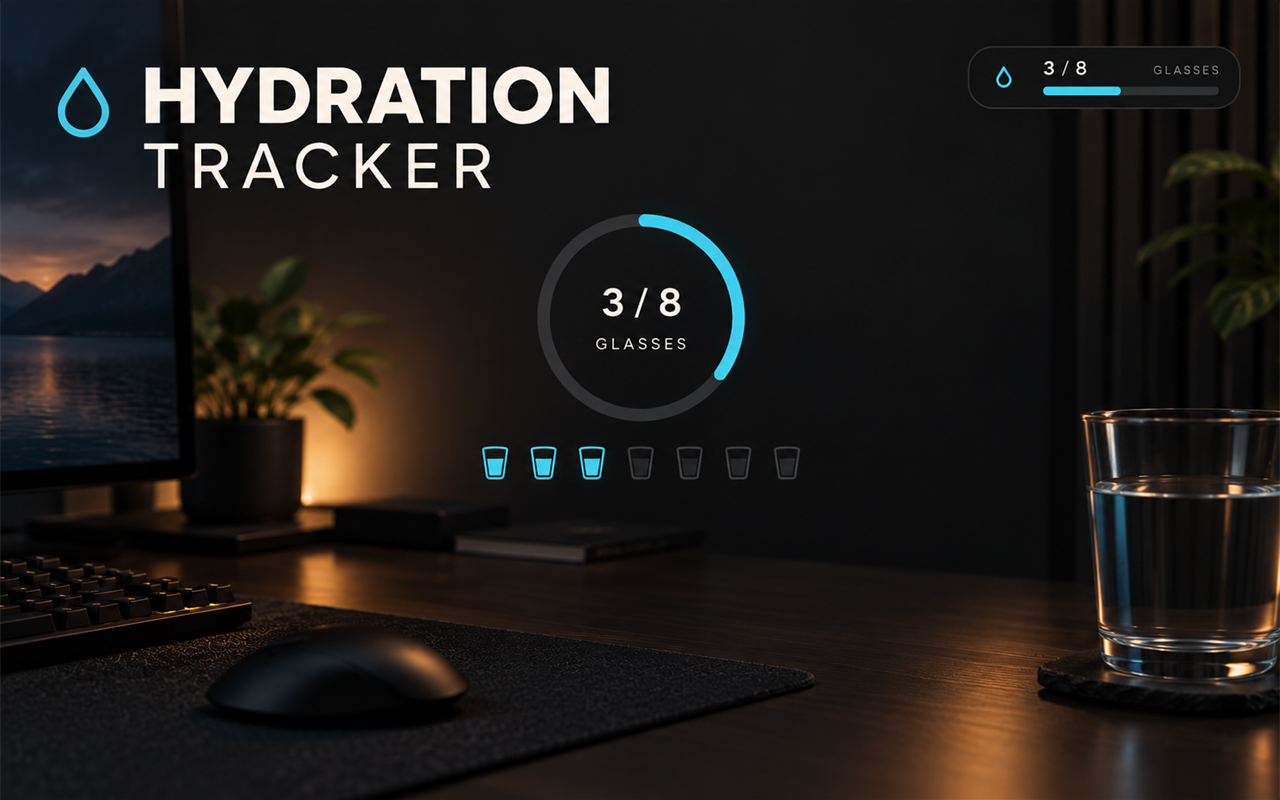
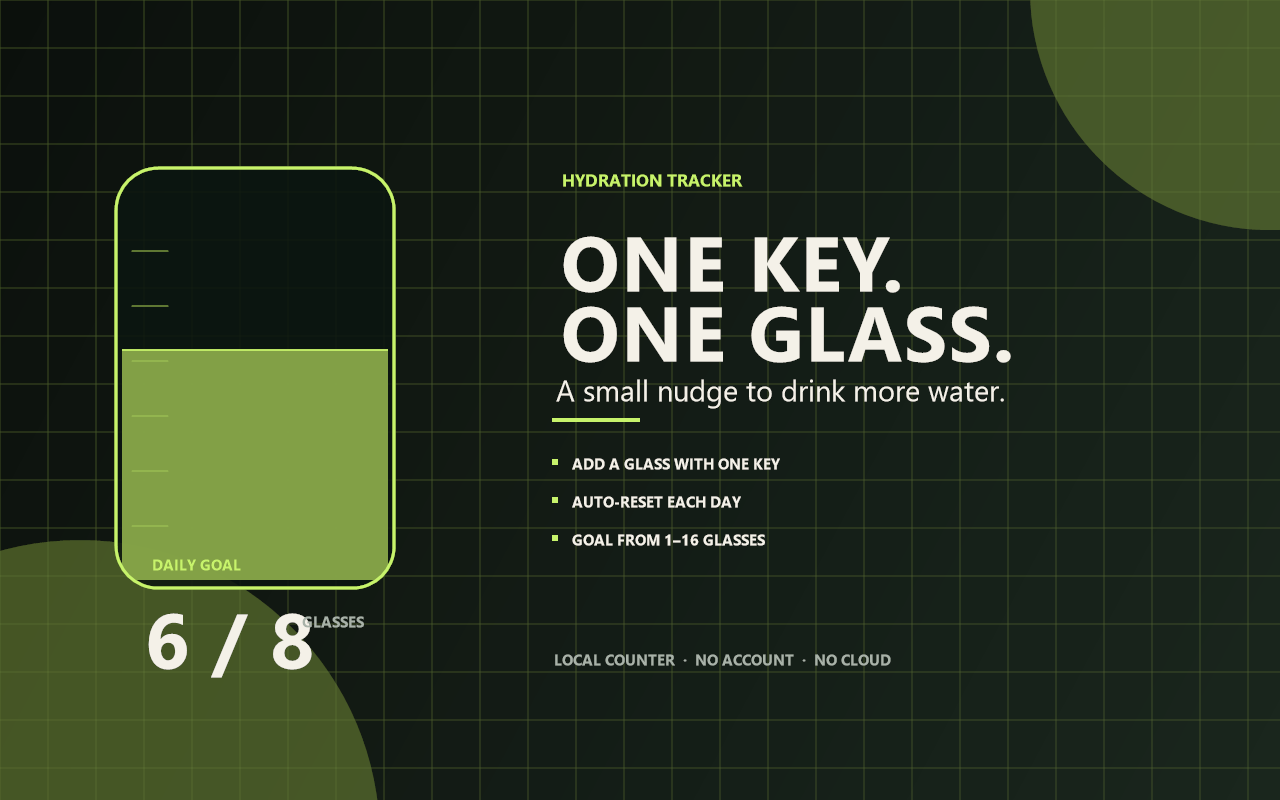
Hydration Tracker shows a compact HUD with your glass count and daily goal. Press one hotkey when you drink a glass; the counter updates immediately.
What it does
- Daily glass counter from 1 to 16 glasses.
- Compact HUD with a progress bar.
- One-key add and one-key reset.
- Automatically resets at the start of a new day.
- Remembers today's count across app restarts.
- Stores everything in a local
hydration.jsonfile.
Quick start
- Install and start Hydration Tracker.
- Set your daily goal in Rebind → Options → Hydration Tracker.
- Press Ctrl+Alt+H whenever you finish a glass.
- Press Ctrl+Alt+Shift+H to reset today's count.
Controls
| Key | Action |
|---|---|
| Ctrl+Alt+H | Add one glass. |
| Ctrl+Alt+Shift+H | Reset today's count. |
Both hotkeys are configurable.
Settings
- Daily goal — 1 to 16 glasses.
- Add a glass hotkey.
- Reset today hotkey.
- Reset automatically each day — on by default.
- Show counter — show or hide the HUD.
- Counter position — top-left, top-right, bottom-left, or bottom-right.
How it works
The count is capped at your daily goal. When you reach the goal, the HUD shows GOAL MET and a notification confirms it. If automatic reset is enabled, a new date starts the count at zero. If it is disabled, the count continues until you reset it manually.
The HUD is click-through and does not take focus.
Limits
- It does not detect drinking automatically.
- It counts glasses, not millilitres or ounces.
- The goal is a single daily target; there are no separate weekly stats.
- Rebind overlays need borderless/windowed mode in fullscreen games.
- Exclusive-fullscreen games hide the overlay.
Privacy
Hydration Tracker does not capture the screen, read the clipboard, use the network, or run external programs. The only data it stores is the date, glass count, and goal in a local JSON file.
Requirements
- Rebind 3.9.0 or newer
- A desktop where Rebind overlays are supported
Hydration Tracker v1.0.0 — one key, one glass.