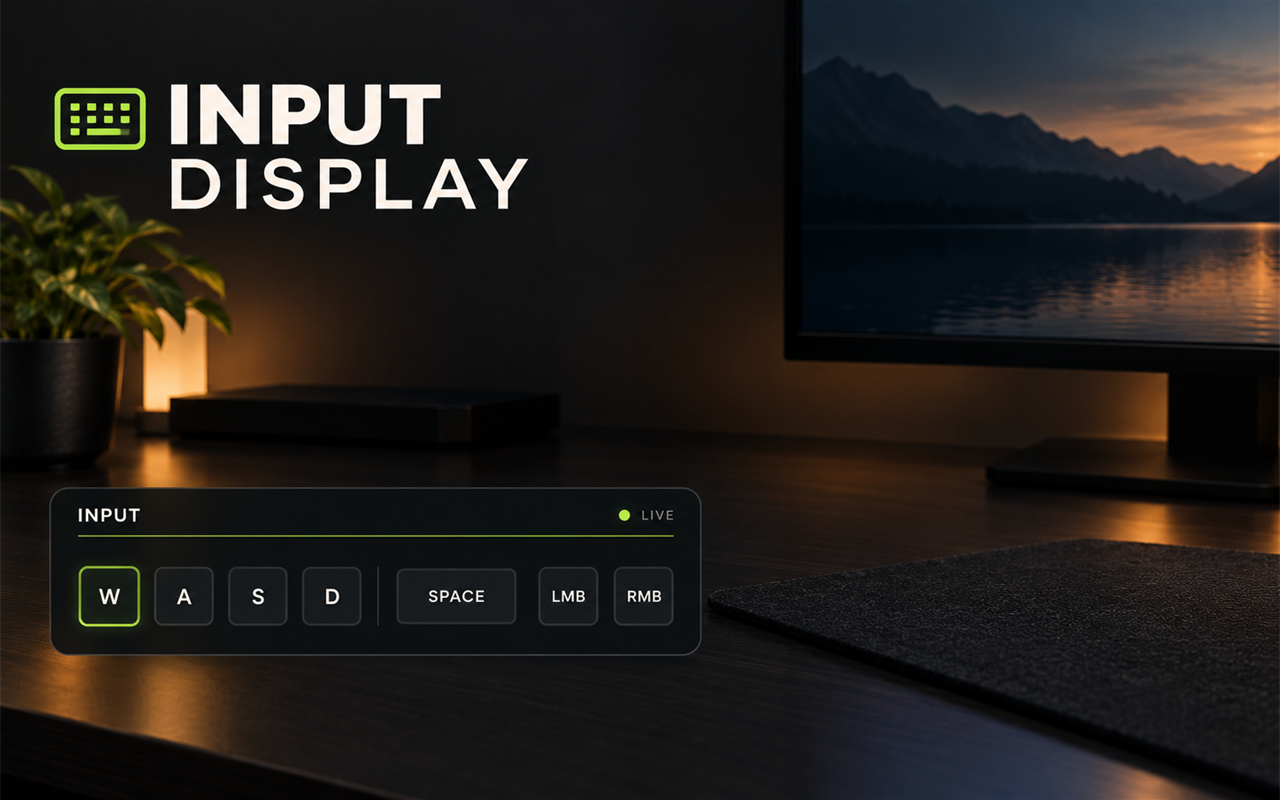
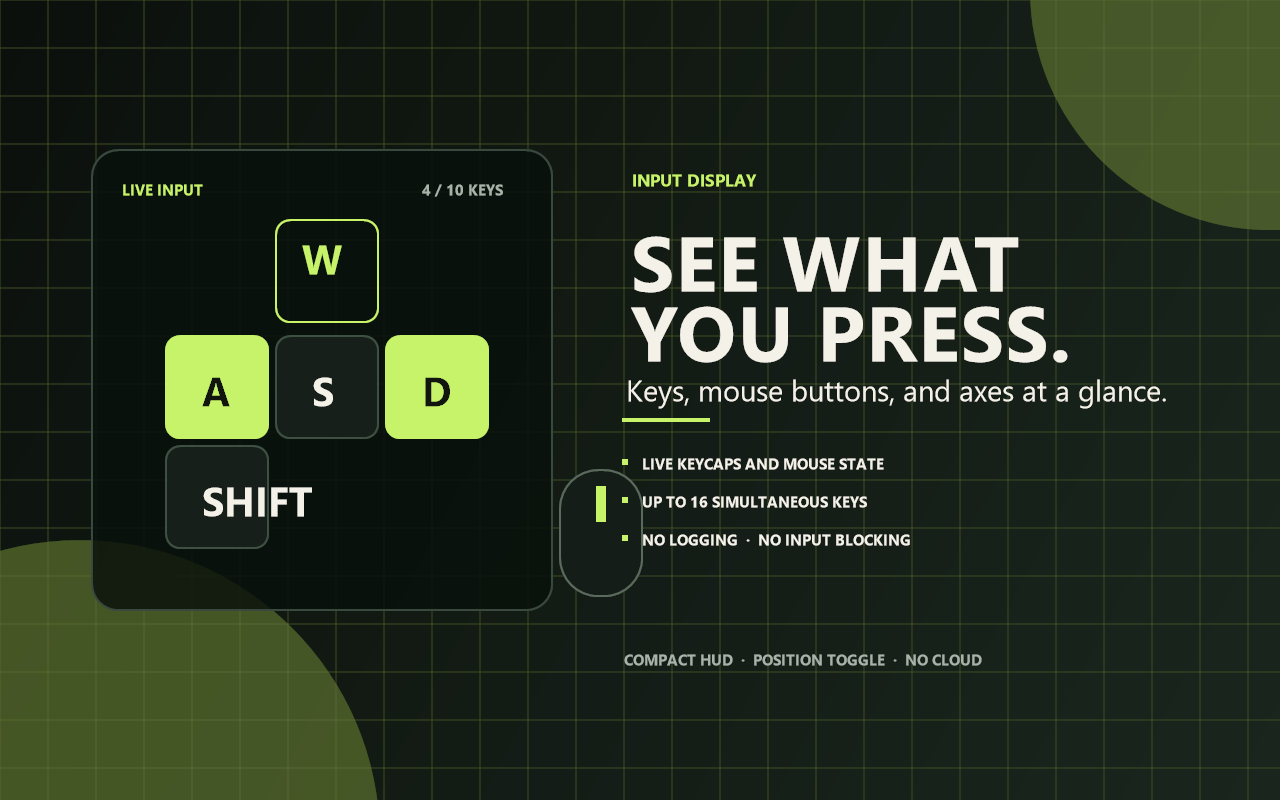
See exactly what Rebind sees: keys, mouse buttons, and controller buttons.
Input Display is a clean, click-through input HUD for recording, teaching, streaming, testing shortcuts, or debugging a controller setup.
What it does
- Shows currently held keyboard keys.
- Shows mouse buttons as LMB, RMB, MMB, M4, and M5.
- Shows controller buttons when Rebind receives them.
- Draws each input as a compact keycap.
- Updates live, with no input blocking.
- Can be shown or hidden with one hotkey.
- Stores no history and sends no data.
Quick start
- Install and start Input Display.
- Press Ctrl+Alt+I to show the HUD.
- Press keys or mouse buttons to see them appear.
- Press Ctrl+Alt+I again to hide it.
Controls
| Key | Action |
|---|---|
| Ctrl+Alt+I | Show or hide the input display. |
The hotkey is configurable.
Settings
- Show on start
- Show mouse buttons
- Show controller buttons
- Maximum keys shown — 4 to 16.
- Position — top-left, top-right, bottom-left, or bottom-right.
What it displays
- Letter and number keys use their normal names.
- Modifiers appear as LSHIFT, RSHIFT, LCTRL, RCTRL, LALT, and RALT.
- Mouse buttons are shortened to LMB / RMB / MMB / M4 / M5.
- Controller buttons use their Rebind names, such as PadA, PadLB, and PadUp, shortened for the keycaps.
Limits
- It shows what is held now, not a history or an input log.
- Controller buttons require hardware mode and a Rebind Link with a joypad.
- In software mode, controller input is not available.
- The overlay is click-through and keyboard-only; it cannot be clicked.
- Rebind overlays do not appear over exclusive-fullscreen games.
- It does not record or replay input.
Privacy
Input Display only reads the live input state that Rebind already exposes. It does not capture the screen, read the clipboard, use the network, or write input logs.
Requirements
- Rebind 3.11.0 or newer
- A desktop where Rebind overlays are supported
- Rebind Link with a joypad for controller buttons
Input Display v1.0.0 — an honest little input mirror.